For WordPress sites, the equivalent of Twitter’s Fail Whale is this plain looking screen:
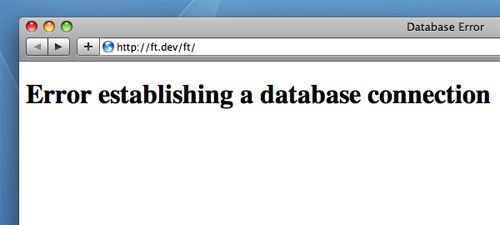
This page shows up when WordPress cannot connect to your MySQL database. The entire page, complete with head and body, is written into the code, so the good news is we can put whatever we want here.
To get started, go to your WordPress folder and dive into /wp-includes/functions.php. Around line 2818 you’ll find the complete HTML content of the database connection error page. If it is no longer located on this line, perform a search for “Error establishing a database connection”.
Your web hosting still works, so you can reference static content, images and CSS files. I recommend copying the source of your Home or 404 page and adding a helpful error message letting customers know you’re site will be up shortly.
Let me know what you come up with!
Leave a Reply